prismdinstrument
EXTRACTED · 10 SECTIONS · 13 COLORS · GRADE B

groq.com

Accent #5e6ad2 · Space Grotesk — every value below measured via getComputedStyle(), not asserted by hand.
13
colors
4
faces
1
shadows
14
keyframes
groq.com
real render · source of truth

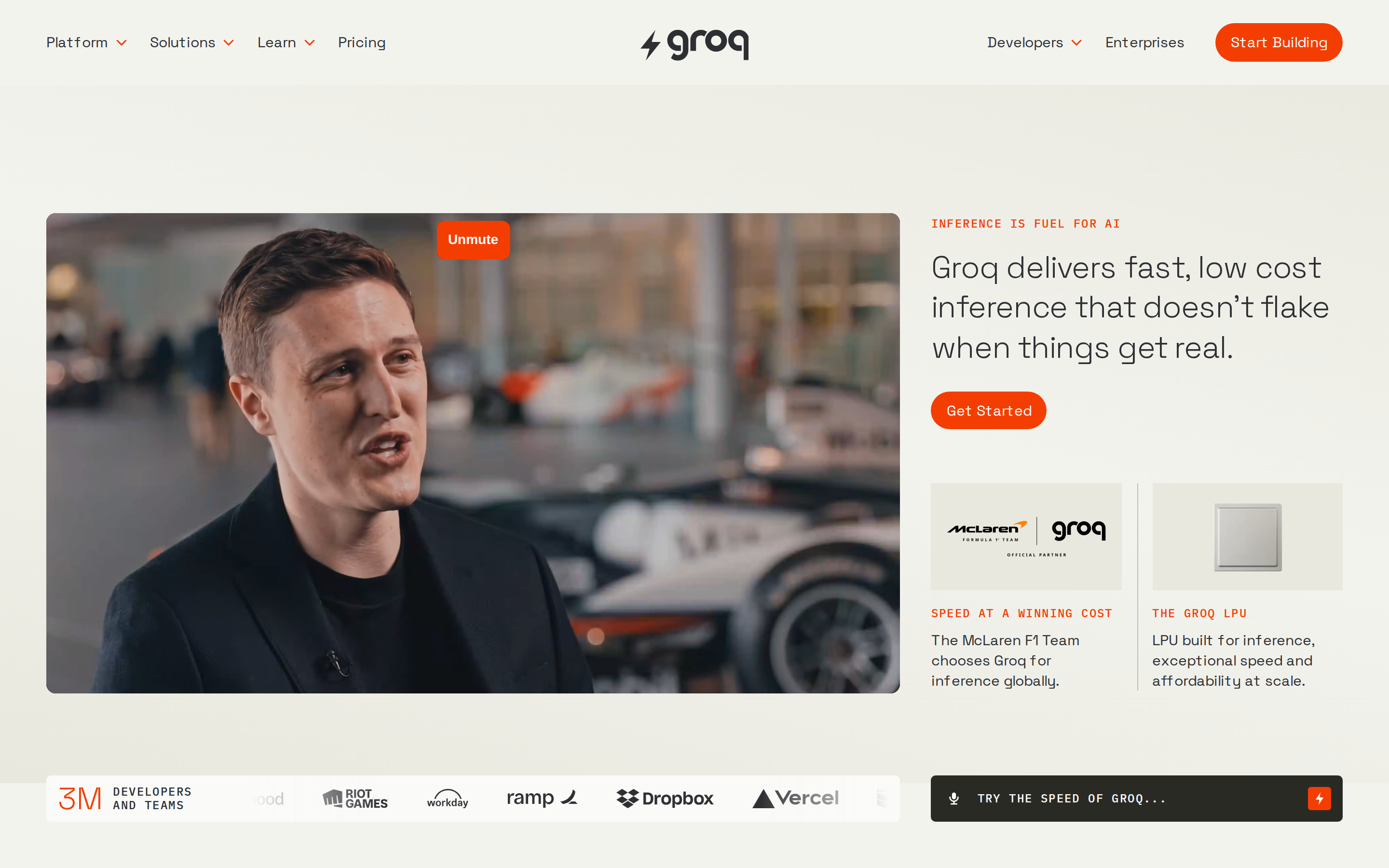
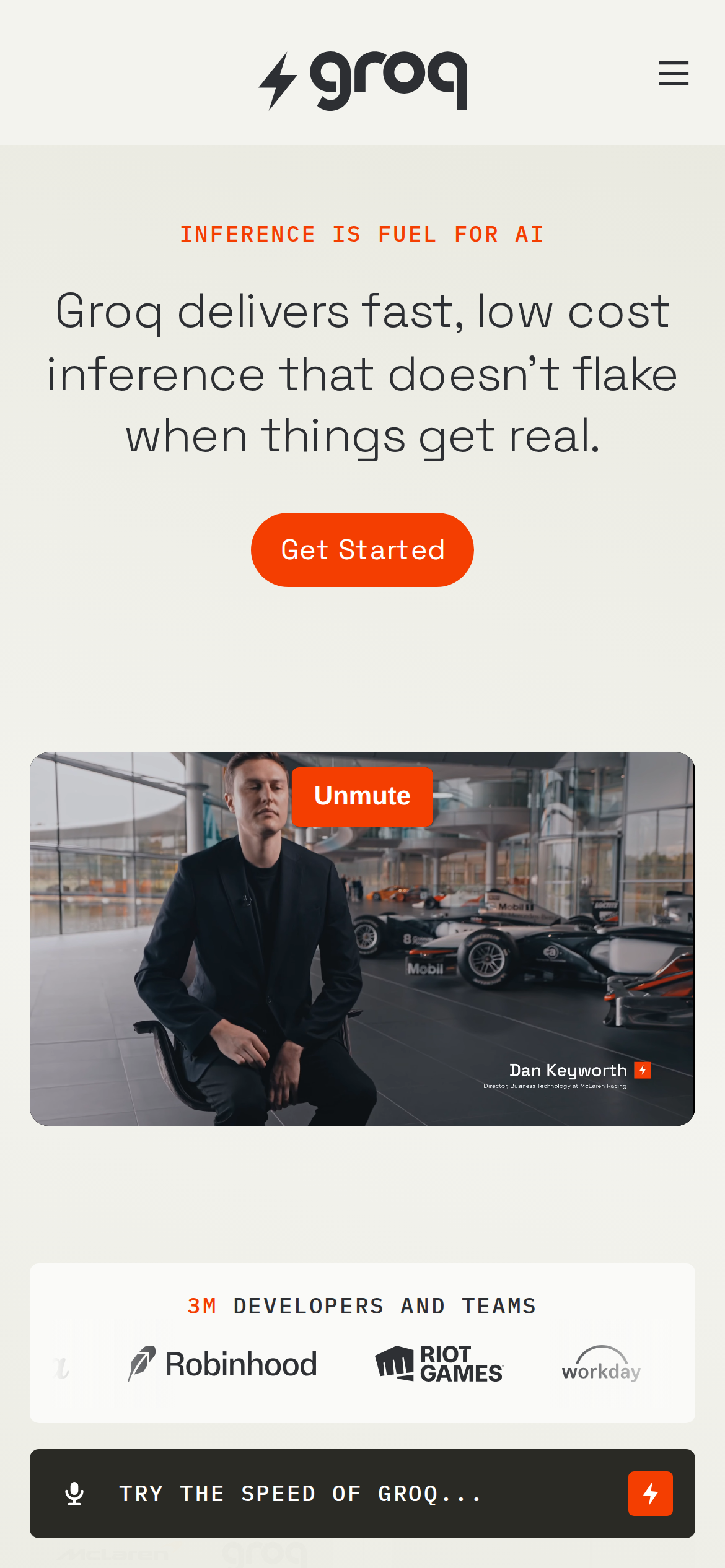
groq.com is built on a warm, off-white canvas (rgb(243, 243, 238)). The system uses rgb(244, 62, 1) as the high-saturation accent for primary actions. Fully-rounded CTAs (1000px) signal a friendly, tactile interaction model alongside Space Grotesk as the primary typeface. Space Grotesk is paired with Space Grotesk Fallback for secondary roles. A restrained elevation system (1 distinct shadow) — shadows reserved for the few elements that must lift off the page. Motion is a first-class concern — 14 keyframe animations plus transition-driven interactions.

01

Color — roles, semantics & the full census

13 colors measured · click any swatch to copy

Canvas
#f3f3ee
AAA 12.05:1
Ink
#2d2f33
AAA 12.05:1
Accent
#f43e01
AA·lg 3.41:1
Line
#2d2f33
AAA 12.05:1
Semantic states

No semantic state colors detected — this system signals state through weight & motion, not hue.

13 colors mined from the live renderexpand
02

Type — the ladder, in the real face

6 roles · rendered live in the real Inter (captured woff2) · lines are editable, click any spec to copy

display xl
display-xl46px · 300
display lg
display-lg32px · 300 · ×1.44
display md
display-md28px · 300 · ×1.14
body
body14px · 400 · ×2.00
body sm
body-sm13px · 400 · ×1.08
eyebrow
eyebrow12px · 500 · ×1.08
04

Depth — elevation is extracted, not invented

1 box-shadows measured on the live page · click a tile to copy its raw value

shadow-1
05

Motion — easings, transitions & live keyframes

2 easing curves · 14 keyframes · hover a tile to preview

Easing & transitions
transition-2ease-in
transition-3ease-in-out
14 keyframe animations extracted
fade-in
fade-out
fadeInUp
scroll-marquee
scroll-marquee-testimonials
slide-in
slide-out
scaleFadeIn
shrinkFadeOut
animateLine
dash
animate-up-fallback
03

Spacing & radius, made spatial

9 spacing steps · 7 radii · bars are exact px widths

Spacing scale
xxs · 2px
xs · 9px
sm · 18px
md · 27px
base · 37px
lg · 46px
xl · 55px
2xl · 64px
3xl · 91px
Radius
none
0px
xs
3px
sm
10px
md
14px
lg
99px
xl
1000px
full
1000px
06

Components — the closed vocabulary

14 component families · 79 variants counted on the live DOM

ComponentVariants found
buttons×10
nav Links×10
testimonial×10
links×10
heading H2×8
eyebrow Labels×8
cards×6
cta Banner×4
heading H3×4
footer Links×3
code Block×3
status Badge×1
logo Tile×1
heading H1×1
Component style specs (§4)expand

Buttons

Pill

  • Background: transparent
  • Text: #2d2f33 {colors.hairline}
  • Padding: 0px
  • Radius: 1000px
  • Font: 15px weight 400
  • Use: Status pills, tags, chips

Pill

  • Background: #f43e01 {colors.primary}
  • Text: #ffffff {colors.primary-focus}
  • Padding: 10px 16px
  • Radius: 1000px
  • Font: 15px weight 400
  • Use: Status pills, tags, chips

Secondary

  • Background: #2a2a25
  • Text: #ffffff {colors.primary-focus}
  • Padding: 12px
  • Radius: 5px
  • Font: 15px weight 400
  • Use: Secondary action

Secondary

  • Background: #2d2f33 {colors.hairline}
  • Text: #f3f3ee {colors.background}
  • Padding: 4.55px 13px
  • Radius: 0px
  • Font: 13px weight 400
  • Use: Secondary action

Cards & Containers

Standard Card

  • Background: transparent
  • Padding: 0px 0px 48px
  • Radius: 0px
  • Use: Content containers, listing items

Navigation

Main Nav

  • Background: #f3f3ee {colors.background}
  • Padding: 0px 48px
  • Radius: none
  • Font: 13px weight 400
  • Use: Fixed/sticky block nav — N/A items

Testimonials

Quote Card

  • Background: transparent
  • Text: #2d2f33 {colors.hairline}
  • Padding: 80px 0px 16px
  • Radius: 0px
  • Font: 15px weight 400
  • Use: Customer quote with avatar + company attribution
07

Layout — structure & dimensions

5 layout metrics measured

header 88px 1200px max-width
max Width1200px
header Height88px
sidebar Width885px
gap48px normal
container Padding0px
08

Responsive — real breakpoints

13 media-query stops read from the live CSS

30px
37px
59px
60px
67px
79px
80px
89px
90px
99px
100px
600px
601px
09

Do's & Don'ts

28 enforceable rules pulled verbatim from the spec

Do
Use Off-White (`#f3f3ee`) as the page background — it's intentionally not pure white
Use Charcoal (`#2d2f33`) for text — not pure black, it's warmer and more readable
Use Space Grotesk as the primary typeface — it defines the brand personality
Keep font weights between 300-400 — the system uses a narrow weight range for subtle hierarchy
Use negative letter-spacing (-0.64px) at display sizes for compressed, editorial headlines
Use the extracted shadow patterns for elevation — they are tuned to match the brand palette
Use full-pill radius (9999px) only for specific elements (avatars, pills, toggles)
Use Orange (`#f43e01`) as the primary accent — it's the brand's signature interactive color
Use pill-shaped radius (1000px) for primary CTA buttons — the brand uses fully-rounded, pill CTAs
Make the hero full-viewport (≥70% screen height) — this design uses an immersive hero, not a tall navbar
Build the hero as a split layout with media on the left — text and visual share equal weight
Include exactly 2 CTAs in the hero (primary + secondary) — this design pattern is multi-action, not single-purpose
Each card includes a top image — imagery is part of the card identity, not optional
Show person avatars with testimonials — social proof is human-centric here
Lay out testimonials in a grid (35+ items) — quantity signals scale and trust
Repeat the primary CTA across 2 banner sections — conversion paths are layered, not single
Don't
Don't use pure white (`#ffffff`) as a page background — the warm tone is part of the brand identity
Don't use pure black (`#000000`) for text — the near-black adds warmth
Don't substitute with generic sans-serif or serif — the custom font carries the brand
Don't use weight 700 (bold) or above — 400 is the maximum weight in this system
Don't increase letter-spacing on headings — the type is designed to run tight at scale
Don't invent new shadow values — use only the extracted shadow levels
Don't apply pill radius on rectangular buttons or cards — it's reserved for specific interactive elements
Don't introduce additional saturated accent colors — the palette is intentionally controlled
Don't use rectangular buttons for primary actions — the rounded pill shape is the brand standard
Don't make the nav sticky — this design lets it scroll away to maximize content focus
Don't put a CTA button in the nav — this design uses links only at the top
Don't over-build the footer — this design keeps it minimal (2 cols, 0 links)
10

Agent guide & export

Paste-ready prompt + the real files behind this page

Build a UI in the groq.com design system. Canvas #f3f3ee · ink #2d2f33 · accent #f43e01. Type: Space Grotesk — respect the size/weight ladder in §3. Radius, spacing, shadow: use only the extracted scales (no magic numbers). Full spec follows — paste the DESIGN.md below into your agent.
Every value above was getComputedStyle-verified.
A · InstrumentB · Press